
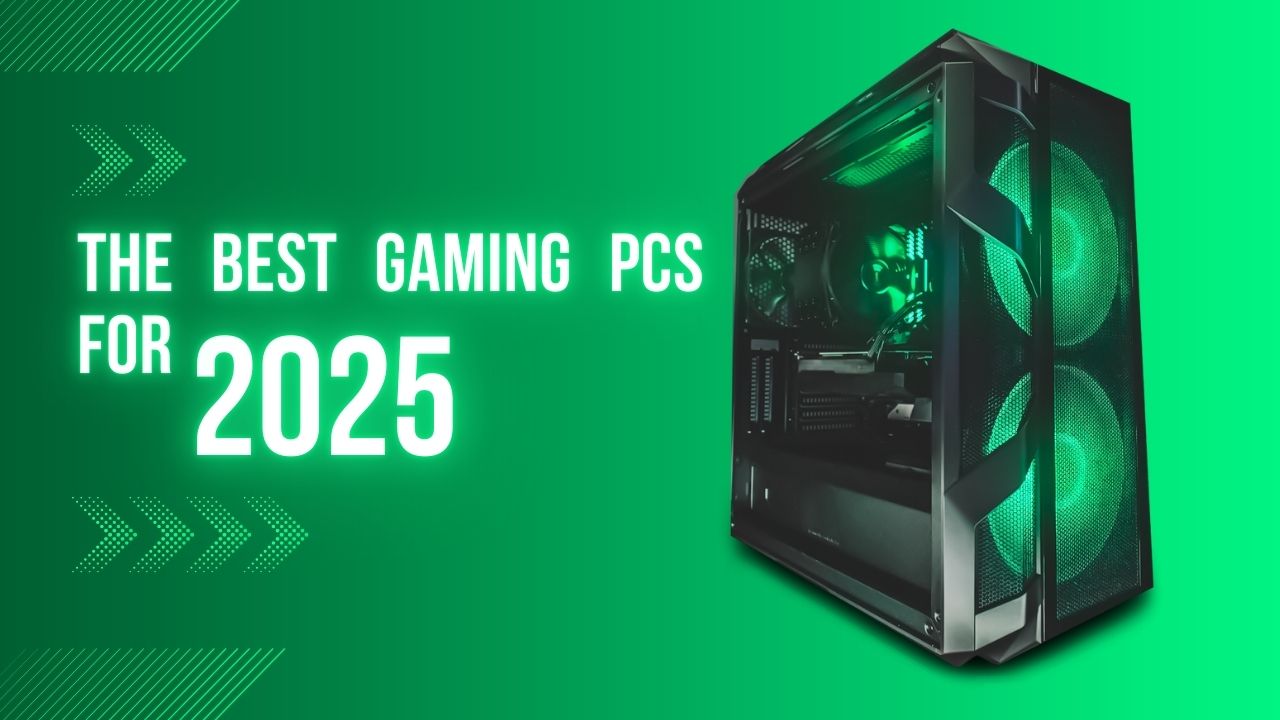
If you’ve tried to buy a graphics card lately, you know the drill: prices are high, stock is fluctuating, and the “best” card changes every six months. That is why prebuilt gaming PCs are looking better than ever in late 2025. You get a warranty, professional cable management, and—most importantly—you can actually get your hands on the latest silicon from Nvidia and AMD without fighting scalpers.
With the rollout of Nvidia’s RTX 50-series and Intel’s Core Ultra desktop chips, the performance ceiling has been shattered yet again. But you don’t need to spend $4,000 to get a great experience. We’ve tested the latest towers to find which ones are worth your money and which are just expensive RGB light shows.
Here are the best gaming desktops for 2025.
The Best Gaming PCs for 2025: At a Glance
| Category | Product | Key Specs |
| Best Overall | Alienware Aurora R16 | Core i7/i9 (14th Gen or Core Ultra), RTX 4070 Super / 5070 |
| Best Budget | MSI Codex R2 | Core i5-14400F, RTX 4060 |
| Best Mid-Range | HP Omen 35L | Ryzen 7 8700G, RTX 4080 Super |
| Best High-End | Lenovo Legion Tower 7i Gen 9 | Core i9-14900HX, RTX 4080/4090 |
| Best Compact Splurge | Falcon Northwest FragBox (2025) | Core Ultra 9, RTX 5090 |
Alienware Aurora R16
The Best Gaming Desktop Overall
Bottom Line: The Aurora R16 ditches the weird alien plastic of the past for a sleek, efficient, and surprisingly quiet design that fits in any setup.
Pros:
- Compact, mature design (finally fits under a desk).
- Excellent cooling and airflow compared to the R15.
- Wide range of config options (Entry level to RTX 50-series).
- Front IO is easily accessible.1
Cons:
- Proprietary motherboard limits future upgrades.2
- Can get pricey quickly with higher specs.
Our Review:
Alienware used to be synonymous with “huge, loud, and weirdly shaped.” The Aurora R16 changes that. It is roughly 40% smaller than its predecessor but runs cooler and quieter thanks to a complete internal redesign.3
In our testing, the R16 with an RTX 4070 Super handled Cyberpunk 2077 at 1440p without breaking a sweat. The “Legend 3” design language is understated—a simple black box with a stylish RGB “stadium loop” on the side. It looks like a serious piece of hardware rather than a toy.
The catch? It’s still a Dell product deep down. The motherboard is custom-shaped, meaning you can’t easily swap it into a new case five years from now. But if you want a machine that works perfectly out of the box and looks great doing it, this is the one to beat.
MSI Codex R2
The Best Budget Gaming Desktop
Bottom Line: It’s not flashy, but the Codex R2 delivers legitimate 1080p gaming performance for a price that is hard to build yourself.
Pros:
- Uses standard, off-the-shelf parts (easy to upgrade).
- Great airflow out of the box.
- Includes Wi-Fi 7 on newer models.
- Affordable entry point.
Cons:
- Fans get loud under load.
- Budget SSDs mean slower load times.
- Looks a bit generic.
Our Review:
Gaming is an expensive hobby, but the MSI Codex R2 proves you don’t need a second mortgage to play modern titles. For around $1,000, you are generally looking at an Intel Core i5 paired with an RTX 4060.4
This isn’t a 4K monster. It’s a 1080p workhorse. We threw Call of Duty and Fortnite at it, and it maintained high frame rates without stuttering. The best part? Unlike the Alienware, MSI uses standard components.5 The case, motherboard, and power supply are all generic ATX parts. That means when you eventually want to upgrade to an RTX 50-series card or add more RAM, you won’t need a hacksaw to do it.
HP Omen 35L
The Best Mid-Range Gaming Desktop
Bottom Line: The Omen 35L hits the sweet spot between price and performance, offering a premium 1440p experience with standard parts.6
Pros:
- Clean, minimalist aesthetic.
- Supports standard micro-ATX motherboards.
- Quiet operation.
- Great tool-less access for upgrades.
Cons:
- Software (Omen Gaming Hub) can be bloated.
- Stock CPU coolers on lower-end models are weak.
Our Review:
If the Alienware is too proprietary and the MSI is too “budget,” the HP Omen 35L is your Goldilocks. It is designed for the gamer who wants high performance (think 1440p Ultra settings) but cares about aesthetics and future-proofing.
We tested a unit equipped with the Ryzen 7 and RTX 4080 Super, and it screamed through benchmarks. The case is a highlight—it’s a standard tower that’s easy to open, easy to clean, and easy to upgrade. HP has also improved their cooling solution, so it doesn’t sound like a jet engine taking off when you launch a game. It is the sensible choice for the serious gamer.
Lenovo Legion Tower 7i (Gen 9)
The Best High-End Gaming Tower
Bottom Line: A beastly tower that combines top-tier performance with a design that wouldn’t look out of place in a designer office.
Pros:
- Incredible performance with Core i9 and top-tier GPUs.
- Excellent build quality and “Glacier White” aesthetic options.
- Lots of fast USB ports (including USB-C).
- Great cooling for high-end components.
Cons:
- Physically large and heavy.
- Expensive.
Our Review:
When you want to play at 4K with Ray Tracing fully enabled, you need heavy iron. The Legion Tower 7i Gen 9 is exactly that. Packed with Intel’s Core i9-14900HX (and upcoming Core Ultra options) and up to an RTX 4090, this machine eats benchmarks for breakfast.
What sets the Legion apart is the polish. The “Glacier White” chassis looks stunning, and the airflow is optimized to keep those power-hungry components from throttling. During our stress tests, the Legion remained surprisingly composed. It’s an investment, but one that will keep you at the top of the leaderboards for years.
Falcon Northwest FragBox (2025)
The Best Compact Splurge
Bottom Line: If money is no object and you need massive power in a tiny footprint, the FragBox is a marvel of engineering.
Pros:
- Absurd power (up to RTX 5090) in a shoebox size.
- Impeccable build quality and custom paint jobs.
- Top-tier customer support.
Cons:
- Eye-wateringly expensive.
- Fans work hard to cool high-end parts in small spaces.
Our Review:
Falcon Northwest is the boutique builder other builders look up to. The 2025 FragBox is a tiny powerhouse that somehow fits the massive Nvidia GeForce RTX 5090 into a chassis the size of a toaster.
This is not a value buy. It is a luxury item. But for the price, you get a PC that is hand-assembled, stress-tested, and painted with automotive-grade finish. If you travel to LAN parties or just hate giant towers cluttering your desk, the FragBox is the ultimate flex.
Buying Guide: How to Choose a Gaming PC in 2025
Buying a prebuilt PC is easier than building one, but you still need to know what to look for to avoid getting ripped off.
1. The GPU is King
Your graphics card determines your gaming performance.
- Entry Level (1080p): Look for an Nvidia RTX 4060 or AMD Radeon RX 7600.
- Mid-Range (1440p): The sweet spot is the RTX 4070 Super or the new RTX 5070. These cards can handle high refresh rates at 1440p.
- High-End (4K): If you want 4K gaming, you need an RTX 4080 Super, RTX 4090, or the behemoth RTX 5080/5090.
2. Processor: Intel vs. AMD
- Intel: The 14th Gen chips (like the i7-14700K) are still powerful, but the new Core Ultra (Series 2) chips offer better efficiency.
- AMD: The Ryzen 7 7800X3D or 9800X3D are currently the best pure gaming CPUs on the planet thanks to their 3D V-Cache technology.7 If a prebuilt offers an “X3D” chip, prioritize it.
3. RAM and Storage
- RAM: 16GB is the bare minimum, but for a 2025 system, you really want 32GB of DDR5 RAM. Games like Hogwarts Legacy and Flight Simulator eat RAM for breakfast.
- SSD: Never buy a PC with a spinning Hard Drive (HDD) as the main drive. Ensure you get at least a 1TB NVMe SSD. 512GB fills up after installing just three modern games.
4. Proprietary vs. Standard Parts
Companies like HP (Omen) and Corsair use standard parts, meaning you can swap out the motherboard or power supply later. Companies like Dell (Alienware) often use custom motherboards.8 If you plan to upgrade in 3-4 years, stick to standard towers. If you plan to just buy a new PC in 5 years, proprietary is fine.